







From data entry to document processing, repetitive tasks drain productivity and slow down decision-making. Enter the Power Automate AI Builder, a no-code automation solution that combines workflow automation with artificial intelligence to transform how businesses operate.
According to Microsoft, organizations using Power Automate report an average 27.4% reduction in operational costs and a 30% increase in process efficiency.
With AI Builder automation, businesses can now automate tasks, predict outcomes, and optimize processes, all without writing a single line of code.
Let’s dive deeper into the article!!
Understanding Power Automate and AI Builder
Power Automate is Microsoft’s cloud-based service that enables users to create automated workflows between apps and services. It helps streamline repetitive tasks, integrate systems, and improve operational efficiency.
AI Builder is an add-on to Power Automate that brings artificial intelligence into the mix. It allows users to build and integrate AI models into their workflows, enabling capabilities like form processing, object detection, sentiment analysis, and prediction, all through a user-friendly interface.
Together, Power Automate workflows and AI Builder create a powerful platform for AI-powered business processes.
Common Challenges in Manual Business Workflows
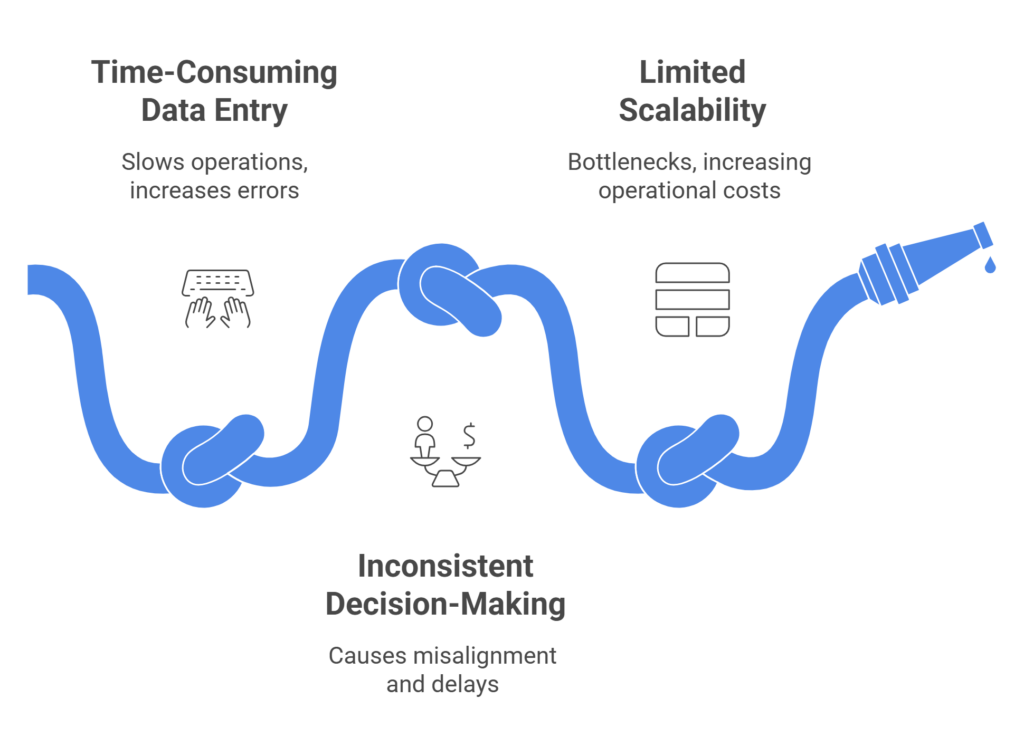
Despite digital transformation efforts, many organizations still rely on manual processes that introduce inefficiencies and risks.
Time-Consuming Data Entry: Manual data entry is not only tedious but also prone to errors. Employees spend hours inputting information into systems, which slows down operations and increases the risk of inaccuracies.
Inconsistent Decision-Making: Without standardized processes, decisions vary across departments, leading to misalignment and delays. This inconsistency can affect customer experience, compliance, and overall business performance.
Limited Scalability and Flexibility: Manual workflows are difficult to scale. As business volumes grow, these processes become bottlenecks, requiring more resources and increasing operational costs.
These challenges underscore the need for workflow automation with AI, which offers a scalable, reliable, and intelligent alternative to manual operations.
How Power Automate and AI Builder Address These Challenges
Streamlining Document Processing: AI Builder can extract and process data from documents such as invoices, forms, and contracts. This document processing automation reduces manual effort, improves accuracy, and speeds up approvals.
Enabling Predictive Analytics: AI Builder’s prediction models allow businesses to forecast outcomes, such as customer churn, payment delays, or inventory needs based on historical data. This capability supports predictive analytics in automation, enabling proactive decision-making.
Facilitating Seamless Integrations: Power Automate supports hundreds of connectors, allowing users to integrate workflows across Microsoft 365, Dynamics 365, Salesforce, SAP, and other platforms. These Power Automate integrations ensure that automation fits seamlessly into existing systems, enhancing interoperability and efficiency.
Real-World Applications of Power Automate AI Builder
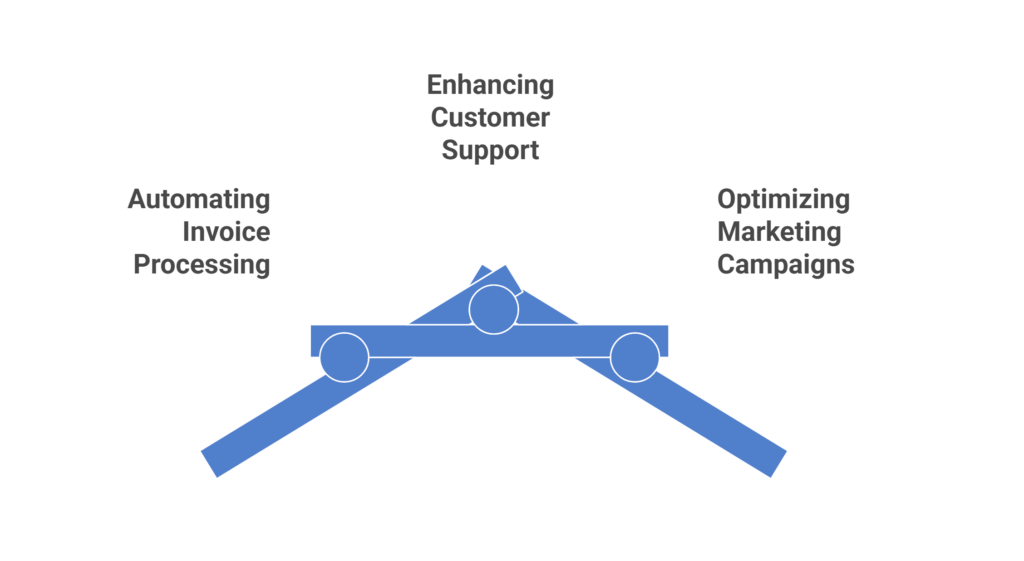
Automating Invoice Processing: Finance teams use AI Builder to extract invoice data, validate entries, and route approvals. This automation reduces processing time by up to 60%, minimizes errors, and improves cash flow management.
Optimizing Marketing Campaigns: Marketing teams leverage AI Builder to analyze customer sentiment, predict campaign performance, and automate lead scoring. These insights help tailor messaging and improve ROI.
These AI Builder use cases demonstrate the platform’s versatility across departments from finance and customer service to marketing and operations.
Benefits of Adopting Power Automate AI Builder
Increased Efficiency and Productivity: Automating repetitive tasks allows employees to focus on strategic work, improving overall productivity. Workflows run faster, with fewer errors and less manual intervention.
Improved Accuracy and Consistency: AI models ensure consistent data handling and decision-making, reducing human error and enhancing reliability across processes.
Cost Savings and Resource Optimization: By minimizing manual labor and streamlining operations, organizations can reduce costs and allocate resources more effectively. This leads to better financial performance and operational agility.
These benefits make business process optimization with AI a strategic imperative for modern enterprises.
Getting Started with Power Automate AI Builder
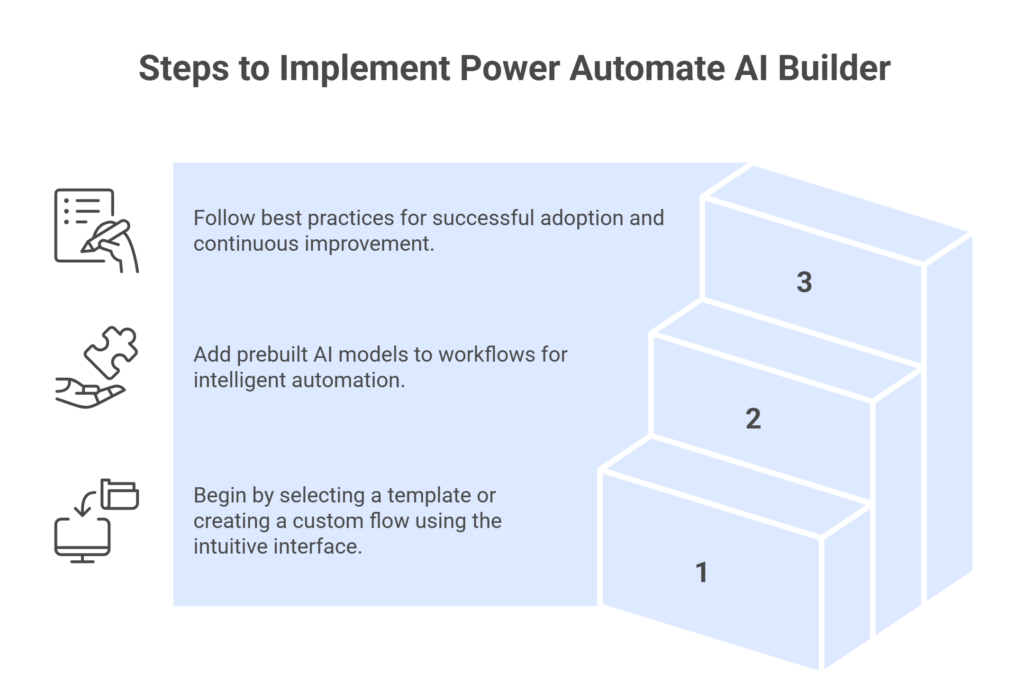
Setting Up Your First Flow: Users can begin by selecting a prebuilt template or creating a custom flow using Power Automate’s intuitive drag-and-drop interface. The platform guides users through each step, making setup simple and accessible.
Integrating AI Models into Workflows: AI Builder offers prebuilt models for tasks like form processing, prediction, and classification. These models can be easily added to workflows, enabling intelligent automation without coding.
Best Practices for Implementation: Start with high-impact use cases, involve stakeholders early, and monitor performance regularly. Provide training and support to ensure successful adoption and continuous improvement.
Overcoming Common Implementation Challenges
AI-driven workflows must comply with data protection regulations such as GDPR and HIPAA. Microsoft’s enterprise-grade security features including encryption, access controls, and audit logs help safeguard sensitive data.
User adoption is critical to success. Provide clear communication, hands-on training, and highlight time-saving benefits to encourage engagement and build trust in the platform.
Change management is essential when introducing new technology. Set expectations, celebrate quick wins, and create feedback loops to ensure smooth transitions and sustained momentum.
Measuring Success: Key Performance Indicators (KPIs)
Track how long tasks take before and after automation to quantify efficiency gains and identify areas for further improvement.
Monitor error rates and data quality to assess the impact of AI on operational reliability and compliance.
Compare implementation costs with savings in time, labor, and operational expenses. Use these insights to justify investment and guide future automation initiatives.
These KPIs help organizations evaluate the effectiveness of AI-powered business processes and refine their automation strategies.
Final Thoughts – Embracing the Future of Intelligent Automation
The shift from manual to intelligent workflows is reshaping how businesses operate. With Power Automate AI Builder, organizations can automate smarter, scale faster, and make better decisions, without the need for complex coding or IT intervention.
As AI continues to evolve, businesses must embrace continuous improvement with AI integration. By doing so, they position themselves for long-term success in a competitive, data-driven world.
Happy Learning!!
Automate smarter, faster, and error-free with Power Automate and AI Builder.
FAQs
How does Power Automate combined with AI Builder transform manual business workflows?
Power Automate and AI Builder work together to automate repetitive tasks and add intelligence to decision-making, enabling businesses to streamline operations, reduce errors, and improve responsiveness without relying on complex coding or IT resources.
What common business processes can be automated using Power Automate and AI Builder?
Processes such as invoice processing, customer support ticketing, employee onboarding, marketing campaign optimization, and document classification can be automated using Power Automate and AI Builder, helping teams save time and improve consistency across departments.
Do I need coding skills to build AI-powered workflows in Power Automate?
No coding skills are required to use Power Automate AI Builder, as the platform offers a user-friendly, drag-and-drop interface and prebuilt templates that allow business users to create intelligent workflows with ease.
How secure and compliant are AI-driven workflows built in Power Automate?
AI-driven workflows built in Power Automate are backed by Microsoft’s enterprise-grade security and compliance standards, including encryption, access controls, and support for GDPR, HIPAA, and other global regulations, ensuring safe and responsible automation.
What are the best practices for scaling automation with AI Builder across an organization?
To scale automation effectively, organizations should start with high-impact use cases, involve cross-functional teams, monitor performance through KPIs, provide training, and establish governance policies to ensure sustainable adoption and continuous improvement.
