






Business applications are evolving rapidly, driven by the need for agility, personalization, and intelligent automation. Traditional apps often fall short in delivering real-time insights or adapting to dynamic user needs.
That’s where intelligent agents in Power Apps come in, bringing AI-powered capabilities into low-code environments to automate workflows, enhance user experiences, and enable smarter decision-making.
With the integration of Copilot in Power Apps, organizations can now embed intelligent agents directly into their apps, allowing for contextual responses, predictive analytics, and continuous learning. This marks a significant shift from static applications to adaptive, AI-driven business tools.
Let’s go through this article to gather more insights!
Understanding Intelligent Agents in Power Apps
Intelligent agents are AI-powered components that can perceive data, make decisions, and take actions within an application. In the context of Power Apps, these agents can automate tasks, respond to user inputs, and learn from interactions to improve over time.
They are the backbone of AI-powered business applications, enabling apps to go beyond basic functionality and deliver intelligent, personalized experiences.
AI Builder in Power Platform provides the tools needed to create and deploy intelligent agents without writing code. It offers prebuilt models for form processing, prediction, object detection, and text classification, which can be integrated into apps with just a few clicks.
This empowers citizen developers to build smart applications that automate decisions, streamline workflows, and respond intelligently to user behavior.
Challenges in Traditional Business Applications
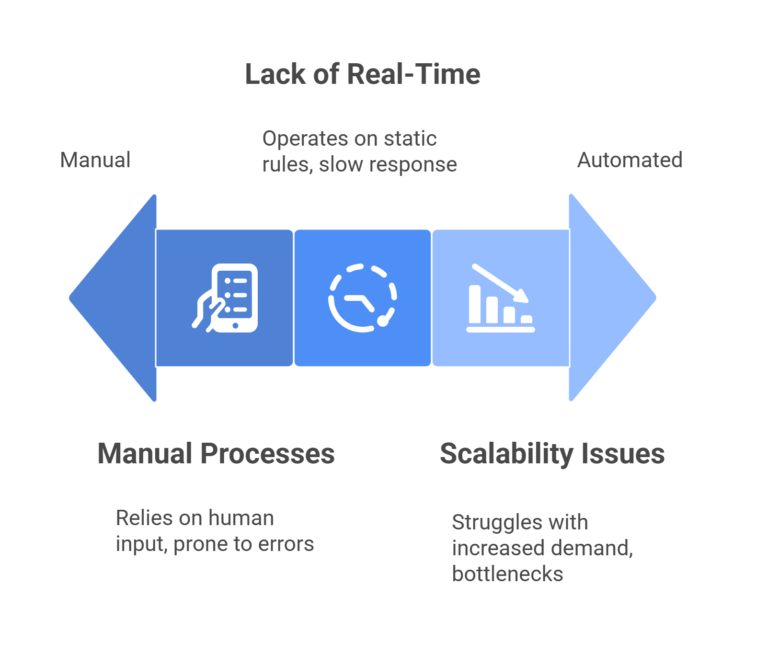
Despite widespread digital adoption, many business applications still rely on rigid logic and manual processes, which limit their effectiveness and scalability.
Manual Processes and Human Error: Tasks like data entry, approvals, and reporting are often handled manually, leading to delays, inconsistencies, and increased risk of errors. These inefficiencies slow down operations and reduce overall productivity.
Lack of Real-Time Decision Making: Traditional apps typically operate on static rules and batch processing, making it difficult to respond to real-time data or user behavior. This reactive approach can result in missed opportunities and slower decision cycles.
Scalability Issues: As businesses grow, legacy applications struggle to keep up with increased demand. Scaling manual workflows requires more resources and often leads to fragmented systems and operational bottlenecks.
These challenges underscore the need for automating business workflows with AI and integrating intelligent agents to create adaptive, scalable solutions.
How Intelligent Agents Transform Business Applications
Automating Repetitive Tasks: Intelligent agents can take over routine tasks such as data validation, form processing, and notification routing. This automation reduces manual effort, minimizes errors, and frees up employees to focus on strategic initiatives.
Enhancing User Interactions with AI: By analyzing user behavior and context, intelligent agents can personalize responses, suggest relevant actions, and guide users through complex workflows. This creates a more intuitive and engaging user experience, improving satisfaction and adoption.
Evolving Applications Through Continuous Learning: Unlike static logic, intelligent agents can learn from interactions and data patterns, continuously improving their performance. This enables applications to adapt to changing business needs and deliver more accurate, relevant outcomes over time.
These capabilities support AI-driven app development, where applications evolve alongside the business.
Real-World Applications of Intelligent Agents in Power Apps
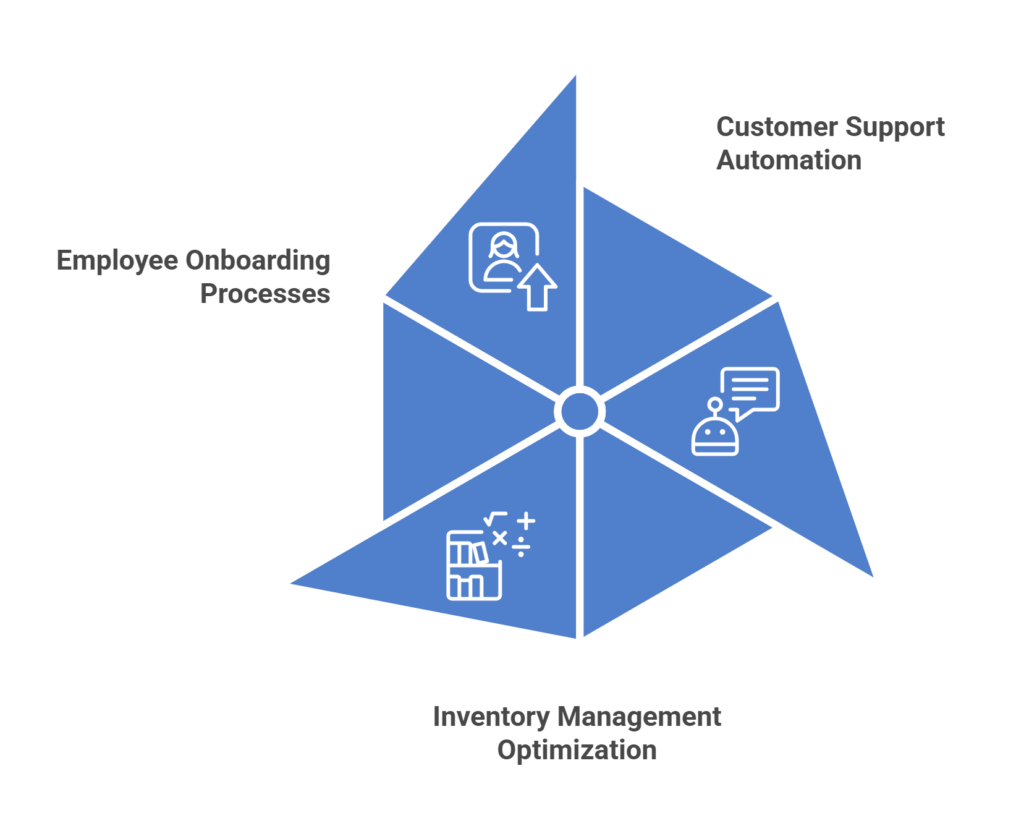
Customer Support Automation: Intelligent agents can handle routine support queries, triage tickets, and escalate issues based on sentiment analysis. This reduces response times, improves resolution rates, and enhances customer satisfaction.
Inventory Management Optimization: By monitoring stock levels and predicting demand, intelligent agents help automate reordering processes, prevent stockouts, and optimize inventory turnover. This leads to better resource utilization and cost savings.
Employee Onboarding Processes: Power Apps intelligent agents can guide new hires through onboarding steps, answer common questions, and ensure compliance with HR policies. This streamlines the onboarding experience and reduces administrative overhead.
These examples demonstrate how business process automation with AI can be applied across departments to drive efficiency, accuracy, and scalability.
Benefits of Integrating Intelligent Agents
Increased Efficiency and Productivity: By automating repetitive tasks and decision-making processes, intelligent agents enable teams to focus on high-value work, improving overall productivity and operational agility.
Improved Accuracy and Decision Making: AI models reduce human error and provide data-driven insights, enabling more consistent and informed decisions across the organization. This leads to better outcomes and reduced risk.
Cost Savings and Resource Optimization: Automation reduces the need for manual labor and streamlines operations, resulting in significant cost savings. Resources can be reallocated to strategic initiatives, driving growth and innovation.
These benefits make Power Platform Intelligent Agents a strategic enabler for digital transformation.
Getting Started with Intelligent Agents in Power Apps
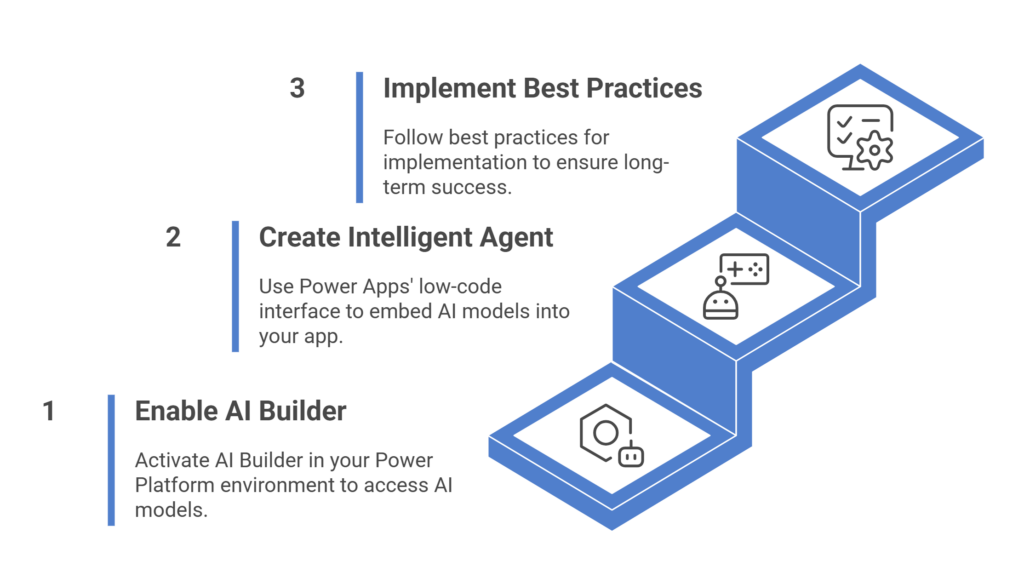
Setting Up AI Builder: To begin, enable AI Builder in your Power Platform environment. Choose from prebuilt models or create custom ones tailored to your business needs. The setup process is guided and user-friendly, making it accessible to non-technical users.
Creating Your First Intelligent Agent: Use Power Apps’ low-code interface to embed AI models into your app. Define triggers, actions, and responses to create an agent that interacts with users, automates tasks, and adapts to context.
Best Practices for Implementation: Start with a clear use case, involve stakeholders early, and test thoroughly. Monitor performance, gather feedback, and iterate to ensure long-term success. Focus on usability, scalability, and alignment with business goals.
These steps make no-code AI solutions practical and impactful for organizations of all sizes.
Overcoming Common Challenges in Implementation
AI-driven applications must comply with data protection regulations such as GDPR and HIPAA. Use Microsoft’s built-in security features, including encryption, access controls, and audit logs, to safeguard sensitive data and maintain user trust.
User adoption is critical to success. Provide training, highlight benefits, and create intuitive interfaces to encourage engagement. Demonstrating quick wins can help build momentum and confidence in the technology.
Change management is essential when introducing intelligent agents. Communicate clearly, set expectations, and involve users in the development process. Support and feedback loops help ensure smooth transitions and sustained adoption.
These strategies help organizations deploy intelligent agents in business apps effectively and securely.
Measuring Success: Key Performance Indicators (KPIs)
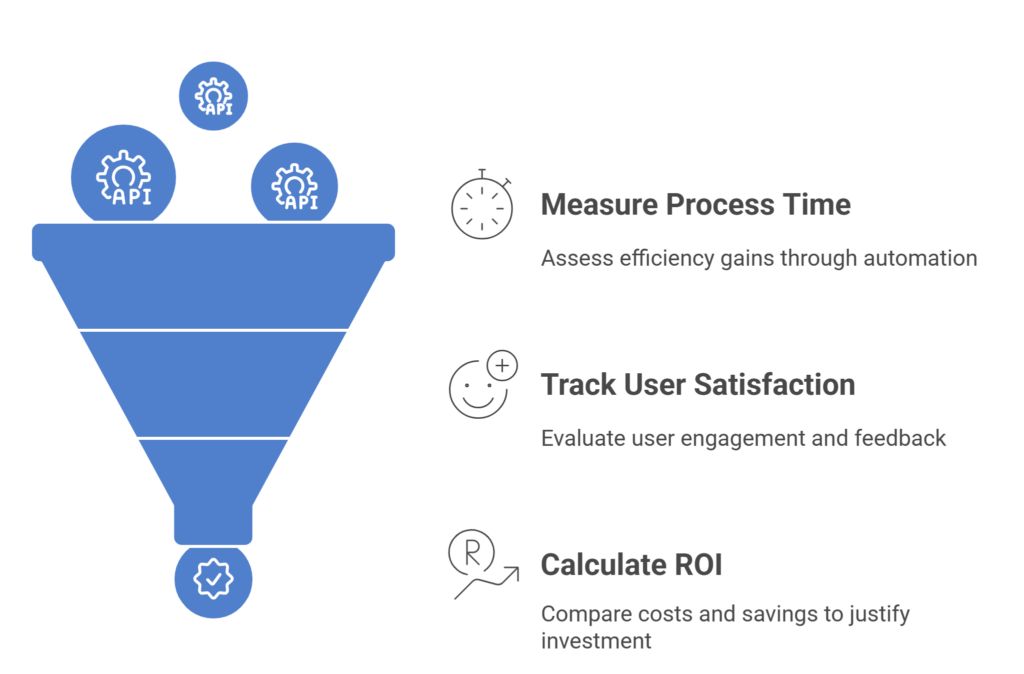
Reduction in Process Time: Measure how long tasks take before and after automation to quantify efficiency gains and identify areas for further improvement.
Increase in User Satisfaction: Track user engagement, feedback, and adoption rates to assess how intelligent agents enhance the app experience and support business goals.
Return on Investment (ROI): Compare implementation costs with savings in time, labor, and operational expenses. Use these insights to justify investment and guide future development.
These KPIs help validate the impact of AI-powered business applications and inform continuous improvement strategies.
Conclusion
The integration of Power Apps intelligent agents marks a new era in business application development. By combining automation, AI, and user-centric design, organizations can build apps that are not only functional but intelligent, adaptive, and scalable.
As AI continues to evolve, businesses must embrace continuous improvement with AI integration to stay competitive and responsive. Intelligent agents are no longer optional, they’re essential for building the next generation of business applications.
Happy Learning!!
Supercharge your Power Apps with AI
- bring intelligence, automation, and agility to every process.
FAQs
How do intelligent agents enhance automation in Power Apps?
Intelligent agents in Power Apps enhance automation by enabling applications to perform tasks autonomously, respond to user inputs contextually, and make decisions based on real-time data, thereby reducing manual effort and improving workflow efficiency.
What are the key use cases of intelligent agents within business applications?
Key use cases include automating customer support interactions, optimizing inventory management through predictive analytics, streamlining employee onboarding, and enabling real-time decision-making in finance, HR, and operations, all powered by AI Builder in Power Apps.
Can Power Apps intelligent agents integrate with existing enterprise systems?
Yes, Power Apps intelligent agents can seamlessly integrate with existing enterprise systems such as Microsoft 365, Dynamics 365, Salesforce, and SAP using built-in connectors, allowing for unified data flow and enhanced business process automation with AI.
How do intelligent agents improve user interaction and decision-making?
By analyzing user behavior and contextual data, intelligent agents personalize app experiences, suggest relevant actions, and provide predictive insights, which leads to more intuitive interactions and faster, data-driven decision-making.
What best practices ensure scalable and secure deployment of intelligent agents in Power Apps?
Best practices include starting with high-impact use cases, ensuring compliance with data privacy regulations, involving stakeholders early, providing user training, and continuously monitoring performance to refine and scale AI-driven app development effectively.
